What an automated accessibility scan catches, and what it misses
 Julien Côte3 min read
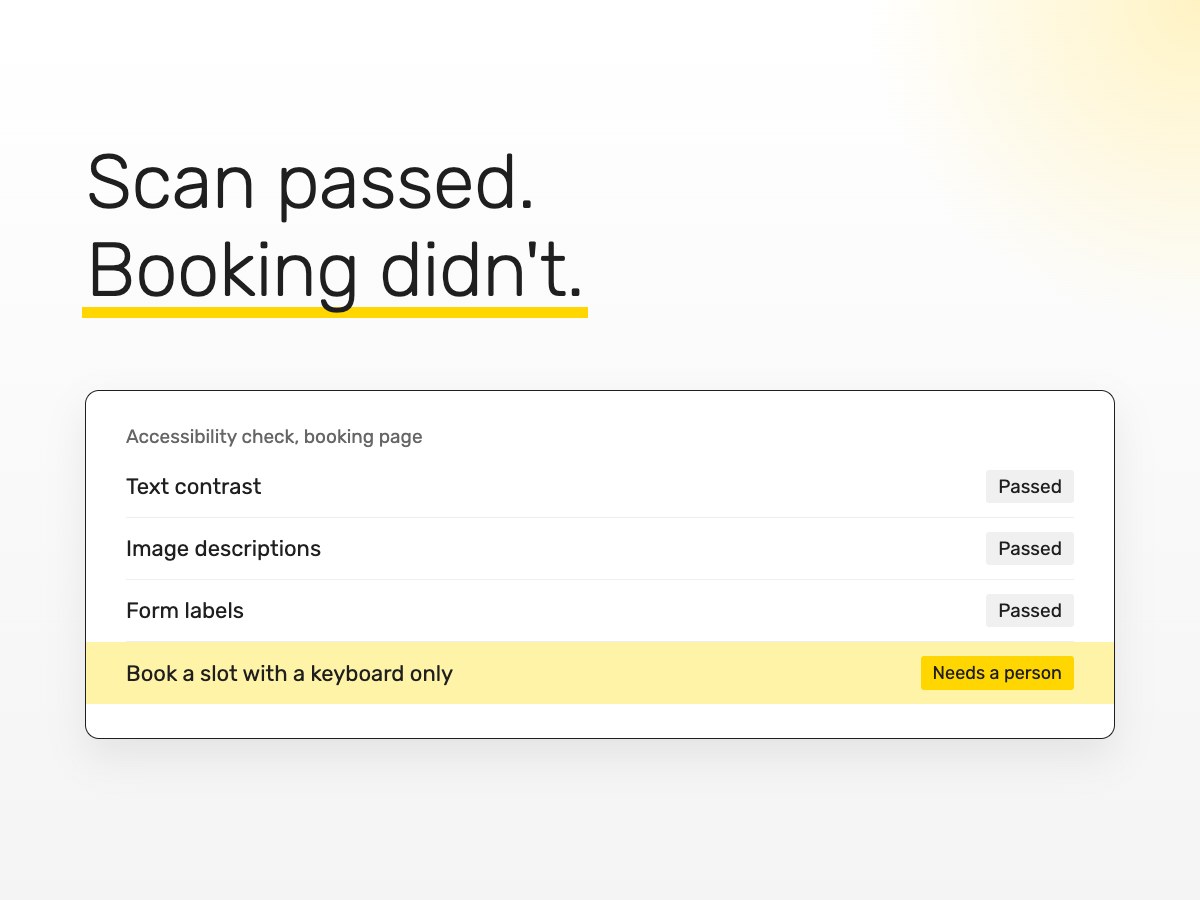
Free accessibility checkers are easy to run. You paste in your address, wait a few seconds and get a score, a list of errors and often a reassuring green tick.
They're genuinely useful, and we run them on every site we work on. They also have limits that the green tick doesn't mention.
What a scan is good at
Automated tools are good at things a computer can measure. Text that doesn't contrast enough with its background. Images with no description at all. Form fields with no label. Headings that skip levels. Pages with no language set. Buttons with no name.
These are real problems, they're common, and fixing them helps. If you've never run a scan on your site, it's a worthwhile ten minutes.
What a scan can't judge
A tool can tell you an image has a description. It can't tell you whether the description makes sense. "Image 1" passes the check and helps nobody.
It can tell you a button has a name. It can't tell you that the name is "Click here" and there are six of them on the page.
It can't try to book an appointment using only a keyboard and notice that focus disappears behind a pop-up, or that the date picker can't be reached at all.
It can't hear what a screen reader says when it lands on your homepage, or notice that the cookie banner traps the user before they reach any content.
And it can't tell you that an error message appears in red at the top of the page while the person filling in the form is looking at the bottom.
The part that needs a person
Most of what decides whether a disabled visitor can actually use your site lives in that second list. It's about the journey rather than the individual page elements.
That's why we test with a keyboard and a screen reader as well as with tools. We pick the tasks that matter to the business, such as finding opening hours, sending an enquiry or booking a slot, and go through each one start to finish.
Try one journey yourself
You can do a rough version of this today. Open your website, put the mouse aside, and press Tab to move through the page. Can you always see where you are? Can you reach the booking button? Can you fill in and send the contact form with the keyboard alone?
If you get stuck, so will some of your visitors.
A clean scan is a starting point
Use the free tools. Fix what they find. Then test the journeys that bring you work, or have someone test them for you.
If you'd like us to do that, we offer a free video walkthrough of your site showing where people get stuck. Send us your address and we'll take a look.
Written by
Julien CôteCôTEDESIGNS
Want to know where your site stands?
Our Accessibility & Conversion Sprint is a fixed price of £3,000. We test your key pages against WCAG 2.2 AA with a keyboard and screen readers, then fix what we find. If you'd like to see first, send us your website and we'll record a free video walkthrough.